
Changelog

Follow new updates and improvements to ShipWisely.

Ask Sidekick about your pickup points – and change them from the chat
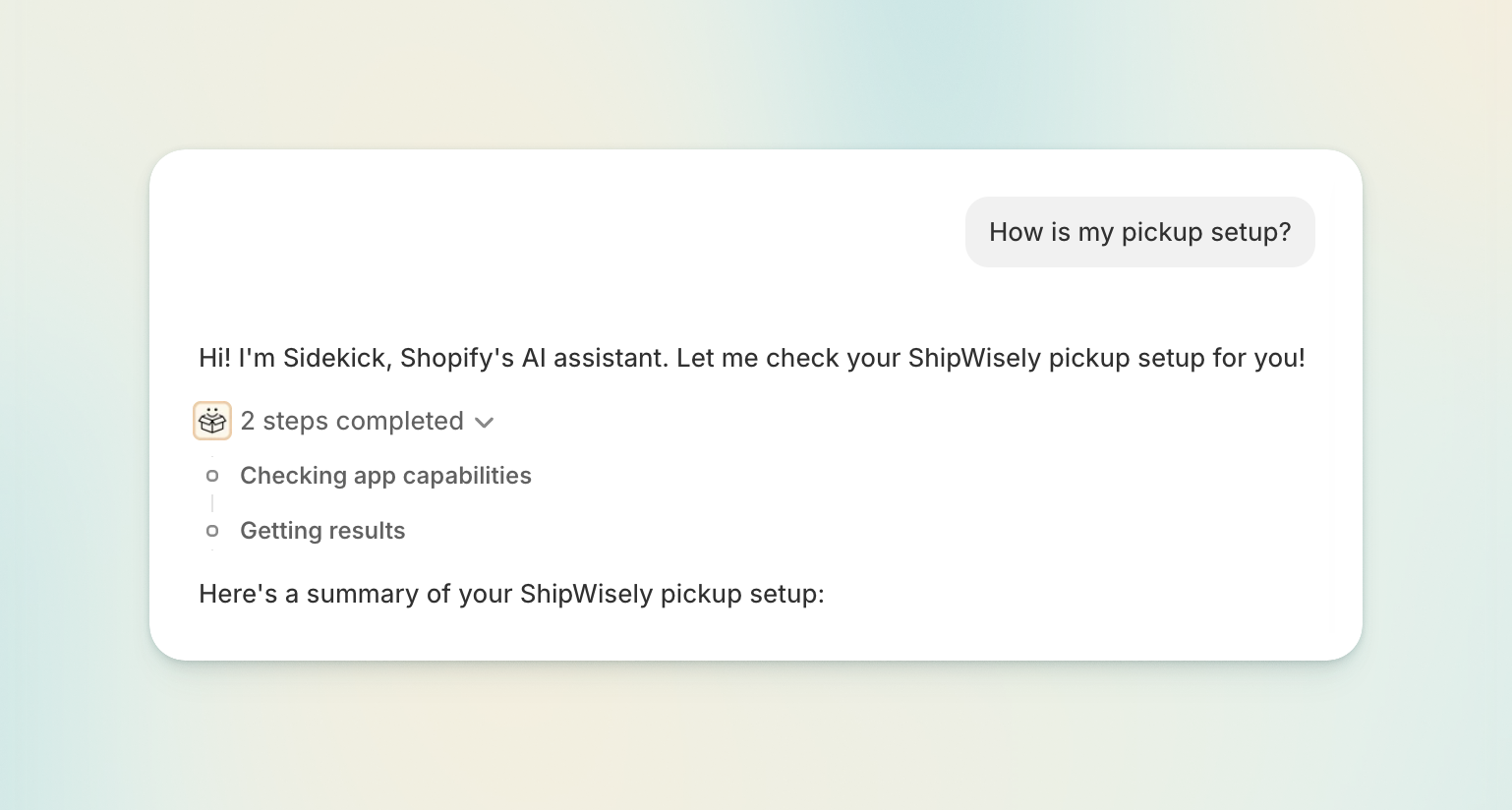
Sidekick, the AI assistant built into your Shopify admin, now knows your ShipWisely pickup setup.

Ask it which pickup carriers you have live, why a pickup point option isn't appearing at checkout, or which locker an order is headed to — it answers from ShipWisely's own data, in the chat, on whatever page you happen to be on. No tab switching, no digging through settings to figure out how they’re set up.

What Sidekick can answer now

  • "How is my pickup setup?" — which pickup carriers are live, the countries they cover, how many locations are configured, and whether setup is finished.

  • "Which pickup carriers deliver to Finland?" (or "Which countries does Venipak's locker network cover?") — answered from ShipWisely's pickup carrier catalogue.

  • "Why isn't a pickup option showing at checkout?" — Sidekick walks the checks and names the one that failed.

  • "What's configured for DPD pickup?" — the pickup settings behind a single carrier.

  • "Where is order #1337 being picked up?" — the pickup point on an order, or whether it's still waiting for the customer to choose one.

  • "Find a locker near this address" — search pickup points by name, address, or ID, limited to the pickup carriers you have enabled.

  • "How many pickup orders have I used this month?" — your ShipWisely plan usage for the current cycle.

Change a pickup point without leaving the conversation

Ask Sidekick to change the pickup point on an order, and the picker opens right there in the chat. Search, pick the new point, and press Save.

Available in 27 languages, matching your Shopify admin language.

Fixed: the picker now offers only the carriers you actually use

The pickup point picker used to offer every carrier you had ever configured — including carriers left over from a setup you'd since moved off. That made it possible to send a parcel to a locker of a carrier you no longer have a contract with.

It now offers the carriers on your current setup only. You can no longer move an order onto a carrier you've stopped using — including older orders that were sold under it.

Also improved

  • Faster pickup search on the order page.

  • Clearer wording. Your configured destinations are called locations everywhere now, including in Sidekick's answers, matching what the rest of the app has always called them.
NewImprovedFixed

Manage pickup points straight from the Shopify order page

A question we've been asked a lot: "Customer emailed asking to change their pickup point — what do I do?" Until now, the answer involved a lot of manual work. Now it's a couple of clicks.

The new pickup point block

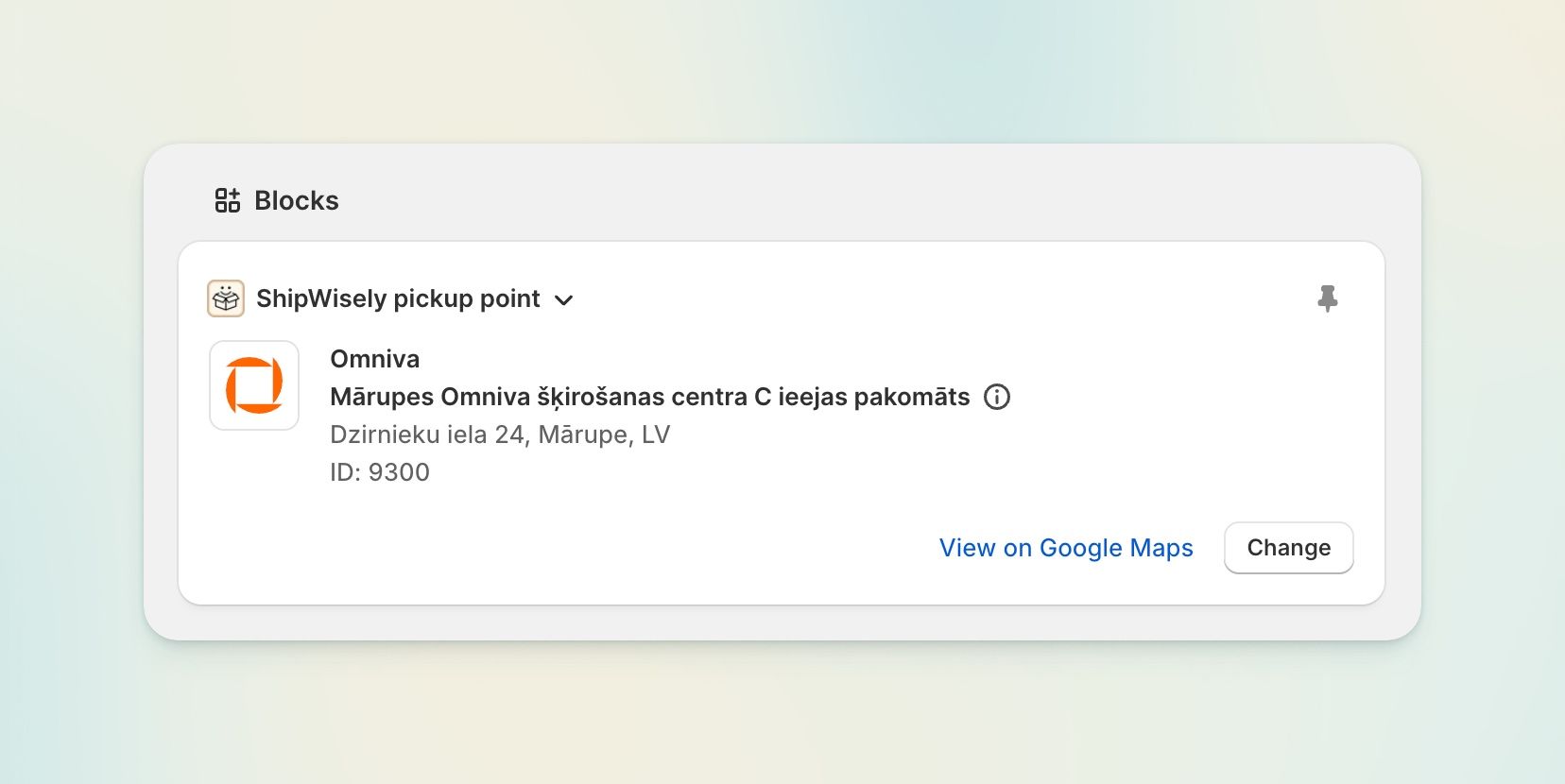
ShipWisely adds a block to your Shopify order details page.

  • See the chosen pickup point — carrier, point name, full address and opening hours — without leaving the order.

  • Change it in place. Open the picker, search, select, done. The order's pickup data is updated and, if it was waiting on a pickup point, the hold is released.

  • Search that actually finds things. Search by point name, address or ID, filtered to the carriers you have enabled, so you never pick a point you can't ship to.

  • Opening hours at a glance, grouped sensibly, e.g. Monday–Saturday: 08:00–22:00 · Sunday: 09:00–22:00.

  • Available in 27 languages, matching your Shopify admin language.

Carrier updates

  • Smartpost / Posti — migrated to their current API ahead of the old one being retired. Nothing to do on your side.

  • Venipak Lithuania — lockers now follow the new carrier's 25 kg weight limit.

  • Carrier identity is now consistent across checkout, the admin block and the pickup point map. This fixes points from certain carriers failing to load or save, and map pins vanishing when a carrier icon was missing.

NewFixed

Parcel lockers and pickup points – now on every Shopify plan

Until now, offering parcel locker and pickup point selection at checkout required a Shopify plan with access to the Carrier Calculated Service API. It doesn't anymore.

Pickup points without the Carrier Calculated Service API

ShipWisely now has a second delivery flow that works on any Shopify plan.

  • Choose your carriers and map them to your shipping rates. Customers select their parcel locker or pickup point after checkout, and the order is held until they do.

  • Guided onboarding. The app walks you through connecting carriers, mapping rates, and adding the pickup block.

  • Development stores supported. Set everything up and test the full flow before you go live, without a paid plan.

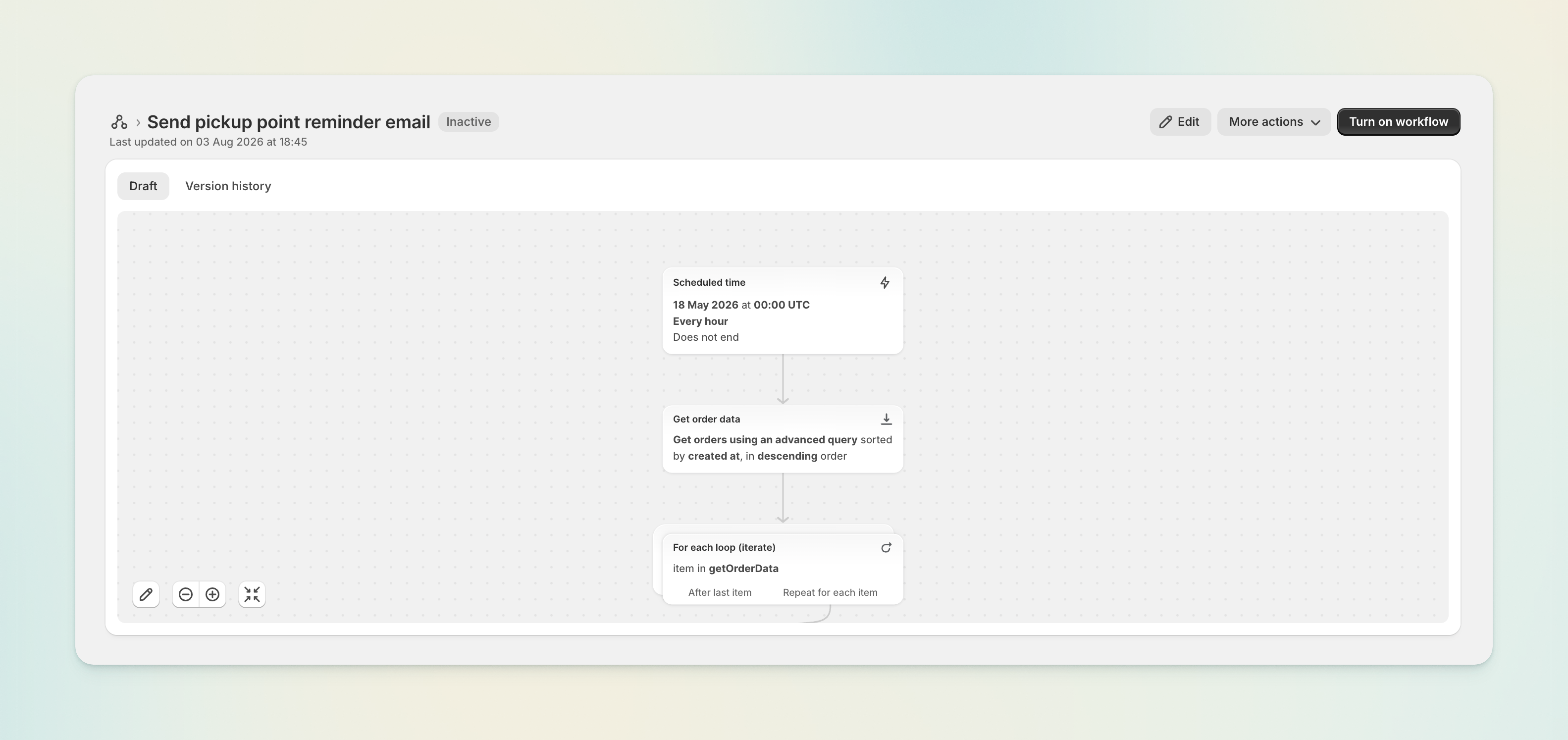
Pickup reminder – a ready-made Shopify Flow template

Some customers finish checkout and never come back to choose their pickup point. Our new Flow template reminds them automatically.

Install it from Shopify's Flow template gallery — no configuration needed. Customise the email or SMS step to match your brand, and you're done.

Preview the pickup banner before you publish

The pickup point banner now renders a demo state inside the Shopify theme editor, so you can see exactly how it looks and where it sits while you're placing it. We've also added step-by-step instructions for adding the banner to your order status and order pages.

Carrier Service onboarding guide

Stores that do have Carrier Calculated Service API access get a new in-app onboarding guide, covering carrier setup, rate configuration, and the go-live checklist in one place.

Smaller improvements

  • The plan banner now explains what applies to development stores, instead of showing pricing that doesn't apply to them.

  • Uninstalling ShipWisely now cleanly removes all of your store's data.

NewImproved

Earlier updates